See what a list can’t show you.
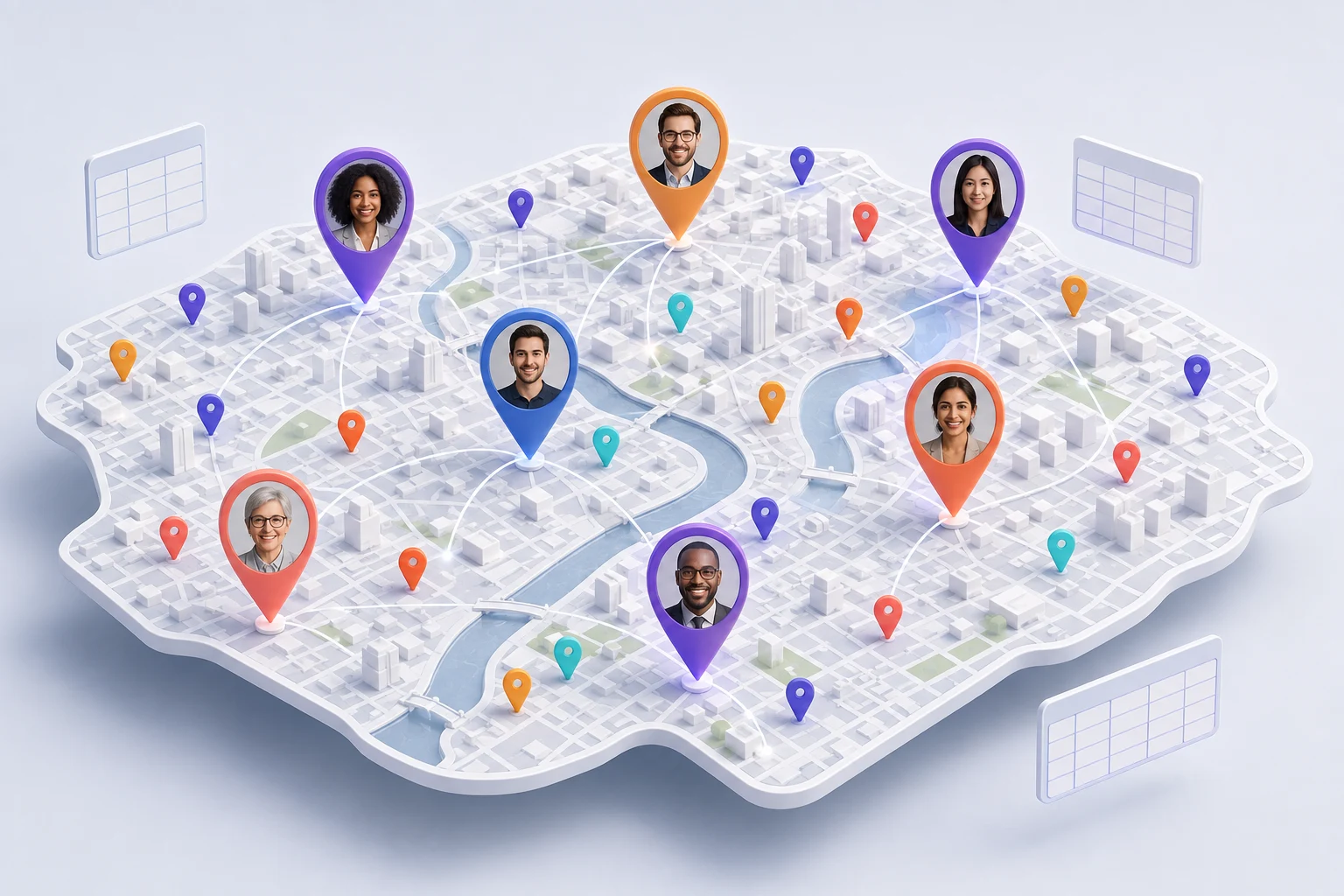
Bring locations into view. Spot nearby people, understand coverage, and see the relationships hidden between spreadsheet rows.
From scattered records → a clearer overview Rafis Map
A NEW PERSPECTIVE ON YOUR BUSINESS
Stop piecing your business together across tabs. Bring your customers, team, locations, and everyday tools into one connected map—so you can spot the right match and take the next step.
Preparing for public launch. Talk to our team about an early release.
 Connectmonday.com
ConnectGoogle Sheets
ConnectMicrosoft Excel
Send withGmail
Send withMicrosoft Outlook
Permission-based connections
Connectmonday.com
ConnectGoogle Sheets
ConnectMicrosoft Excel
Send withGmail
Send withMicrosoft Outlook
Permission-based connections
Your everyday tools.
Working toward the same picture.
Connect boards and spreadsheets for your data. Send through your Gmail or Microsoft account. Start with manual tables whenever you like.
BUSY WORK ISN’T YOUR BUSINESS.
When your work is spread across people, places, and platforms, the next move shouldn’t take ten open tabs to figure out.
Bring locations into view. Spot nearby people, understand coverage, and see the relationships hidden between spreadsheet rows.
From scattered records → a clearer overviewCompare nearby matches with their details beside you. Connect staff to clients, people to places, or resources to opportunities.
From manual searching → informed matchingPersonalize your follow-up, work with reusable templates, and bring your findings into reports—all from the same workspace.
From another handoff → a connected workflowBIG PICTURE. EVERYDAY POSSIBILITIES.
For businesses built around customers, teams, locations, and the connections between them.
ILLUSTRATED PRODUCT VISION · NOT THE CURRENT INTERFACE ILLUSTRATIVE SCENE · NOT A CUSTOMER TESTIMONIALILLUSTRATED PRODUCT VISION
PAIRING, EXPLAINED
Choose a location, explore nearby people, and decide who fits. Walk through a simple example of the idea behind pairing.
Interactive illustration · Fictional recordsIn this example, North House needs a team member. Start with the client or location you want to pair.
Selected: North HouseCompare nearby people and their record details. Distance is a starting point—not the whole decision.
After reviewing the details, you mark Alex as a good fit. Pairing helps you organize your decision; it doesn’t make it for you.
North House + Alex · Good fit1. Select North House, a fictional client location. 2. Review Alex Stone and Jamie Reed as nearby possibilities, alongside their details. 3. After considering the context, choose Alex as a good fit. In your workspace you can use your own category names and review Good fit, Potential, or Not a good fit. This illustration does not save records or perform real pairing.
BUILT AROUND YOUR WAY OF WORKING
Connect a board or spreadsheet, upload a file, or start with an empty table.
Name your categories, choose your columns, and filter the records you want to sync.
Explore the map, review matches, and follow up with the right context already in view.
CONNECTED WITH CARE
Your business data deserves more than a good-looking map. Here are some of the protections built into the app.
Talk to us about security ↗Review the permissions requested by Google, Microsoft, or monday.com before you approve a connection.
The connection credential vault uses AES-256-GCM encryption to protect the tokens it stores on the server.
Password hashing and account-scoped access checks help protect sign-in and access to your workspace.
Not yet. We’re preparing for public launch. Contact sales@rafismap.com to tell us about your business and discuss early-release access. We haven’t announced a public launch date.
Email our sales team with your business type, the tools you use, and what you’d like to connect. We’ll discuss whether the early release fits your needs. Contacting us does not automatically create an account or guarantee immediate access.
No. Your categories can represent customers and staff, properties and contractors, locations and resources, or another combination that fits your work.
No. You can start with manual tables or a CSV or Excel upload. Live connections are there when you need ongoing synchronization. A file upload is a one-time import, not a live source.
No. Records without an address can remain in your tables. A record needs a usable location to appear as a pin on the map.
Yes. The working product supports Gmail and Microsoft connections for personalized outreach. Account-security emails, such as password resets, are sent separately by Rafi’s Map.
No. The portrait-pin map and pairing example are original illustrations, not screenshots or recordings. The team photo is illustrative, not a customer testimonial. They explain the product’s purpose; the current interface and available features may differ. Contact sales to discuss the working product and early access.
Log in to your existing workspace, or use your invitation to create an account. Signup currently requires an invite code.
COMING SOON. LET’S TALK NOW.
Tell us about your business. Tell us what’s getting in the way.
Let’s explore what a clearer picture could do for you.